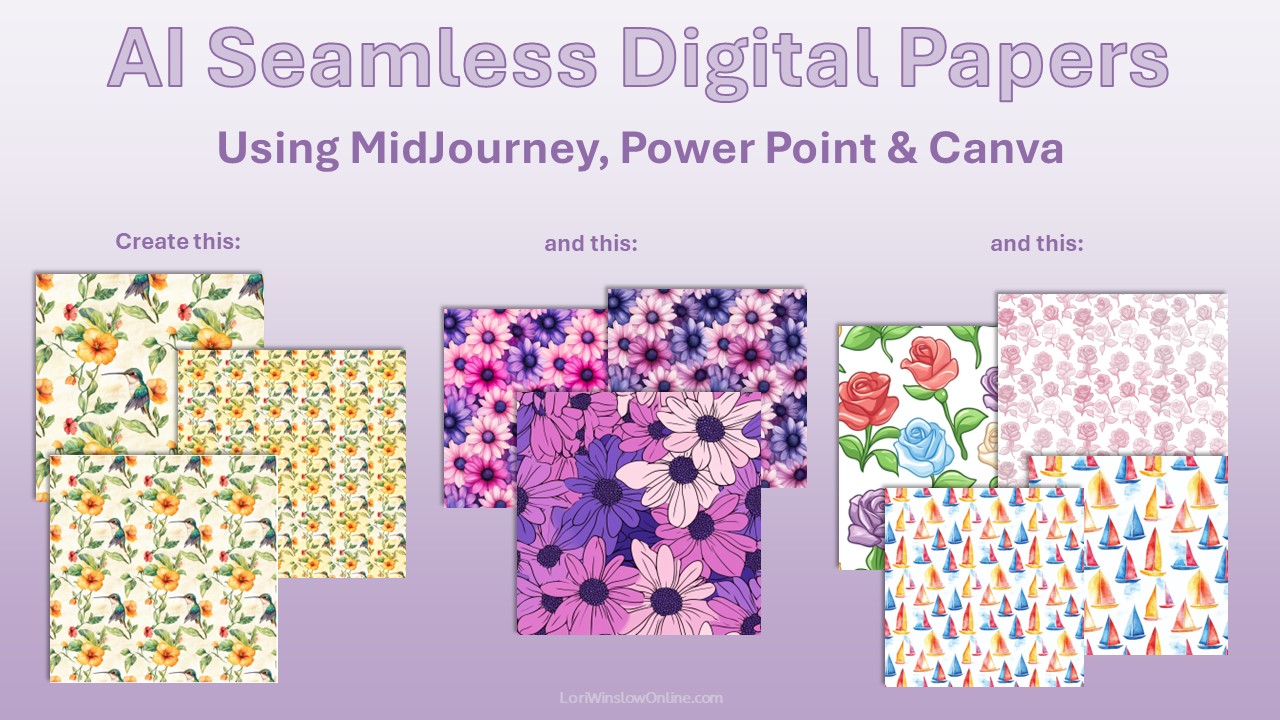
AI Seamless Digital Papers
Using MidJourney, Power Point & Canva

Have you ever wanted to design your own unique pattern sets but weren’t sure where to start?
Whether you’re a seasoned designer or just love getting creative in your spare time, this training course will show you how to bring your ideas to life using tools you probably already have.
Introducing AI Seamless Digital Papers
In this easy-to-follow video course, you’ll learn how to:
-
- Create Seamless Pattern Tiles in MidJourney: I will walk you through the process of creating stunning seamless tiles. No design experience? No problem! You’ll be amazed at what you can create, even if you’re starting from scratch.
- Use PowerPoint and Canva to Build Unique Pattern Sets: Once you have your seamless tile, we’ll dive into PowerPoint and Canva. These tools are more powerful than you think! I’ll show you how to manipulate your tiles into beautiful, diverse pattern sets that stand out.
- Save Time with Pro Tips and Shortcuts: Throughout the course, I’ll share my favorite tips and tricks to save you time and help you avoid common pitfalls, so you can focus on the fun part—creating!

Praise for Previous Courses
“I enjoyed Lori’s Creating Digital Planner Stickers in Power Point and found it really fun to watch her create many pretty digital planner stickers! I love how easy it is to follow her video lessons and I’ve picked up a number of new tips to create stickers in PowerPoint! If you want to increase your product sales by adding pretty digital planner stickers to your mix, this course will be greatly beneficial to you!” ~ Faith L.
AI Seamless Digital Papers
Why Take This Course?
-
- No Fancy Software Needed: You don’t need Photoshop or Illustrator to create stunning patterns. With MidJourney, PowerPoint, and Canva, you have all the tools you need.
- Learn at Your Own Pace: The course is broken down into bite-sized videos, making it easy to follow along at your own pace.
- Lifetime Access: You’ll get lifetime access to the course content, so you can revisit the lessons whenever you want.
Ready to transform your creative dreams into a reality?
Praise for Previous Courses
“Learning how to use Master Slides in PowerPoint can shortcut your design efforts and multiply the number of products you can create. Lori Winslow is a PowerPoint expert who shares her wisdom with us. In Using Master Slides in PowerPoint, you’ll discover ways to create unlimited, colorful slide backgrounds to dress up your products. I especially enjoyed learning new ways to increase the number of possible color combinations, by using the color themes options in PowerPoint. This class is great for beginners, as well as advanced users of PowerPoint, who would like to learn more ways to harness the power of PowerPoint Slide Masters.” ~ D’vorah Lansky, M.Ed.
AI Seamless Digital Papers
AI Seamless Digital Papers
Ready to Dive In?
Creating your own patterns is not just fun—it’s incredibly rewarding. Whether you’re looking to use these patterns for print-on-demand products, branding, or simply to express yourself creatively, this course has got you covered.
Join me on this creative journey and start making your own beautiful patterns today!